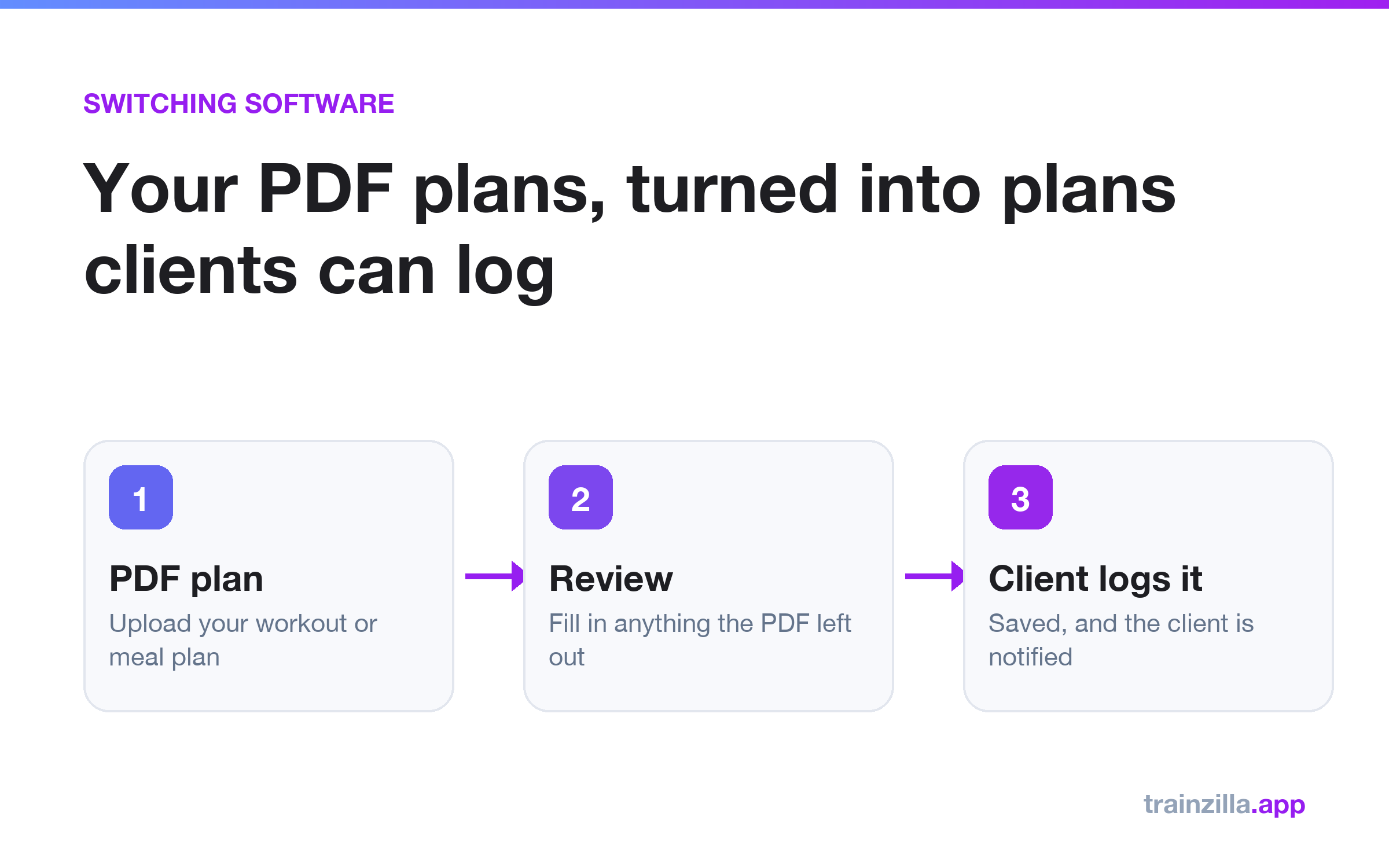
To turn a PDF plan into something clients can follow in an app, upload it to Trainzilla and choose one of two options: convert it into editable plans that clients log against, or share the PDF as the plan. Conversion keeps what is in your document, and you review the result before anything is saved or sent.
Why PDF plans hold coaches back
A PDF is easy to make and easy to send, but a client cannot log a set against it and you cannot see whether they followed it. If you want to switch coaching software, rebuilding every plan by hand is the part that stalls most moves.
Option 1: Convert the PDF into editable plans
Upload a workout or nutrition PDF from the web dashboard. Scanned PDFs work too. A training split becomes one workout plan per training day. The conversion only transcribes what your document says: if a set count, rep range or food amount is missing, it stays blank for you to fill in during review, rather than being guessed.
Option 2: Share the PDF as it is
If the document is not really a structured plan, or you just want the client to have it, share the PDF as their plan. There is nothing to log against, which is why we recommend converting when you want to track progress.
Steps
- Open the plan section of a client or template and choose to add a plan from a PDF.
- Pick convert or share as-is.
- If you convert, review the draft and fill in anything the PDF did not say.
- Save. The client is notified once.
Frequently asked questions
Can I import plans from another coaching app?
Trainzilla does not connect to other coaching apps. If you can save or print a plan as a PDF, you can upload it.
Does the conversion invent exercises?
No. It copies what is in your document and leaves gaps blank for you to complete.
Read the full details on the PDF plan import page, or follow the wider switching checklist.
Bring your plans with you
Start free, upload one PDF and see it as a plan your client can follow.
Start freeGet the weekly coaching playbook
Keyword research, product tips and growth tactics for coaches — one email a week. No spam.
Trainzilla Team
Written by the team that builds Trainzilla. We write about the problems coaches and gym owners bring to us, and how we solved them in the product — including what it doesn't do yet.
Start free — no card required
Set up your coaching business on TrainZilla in minutes. Free for 30 days, then upgrade to Coach Pro when you grow.