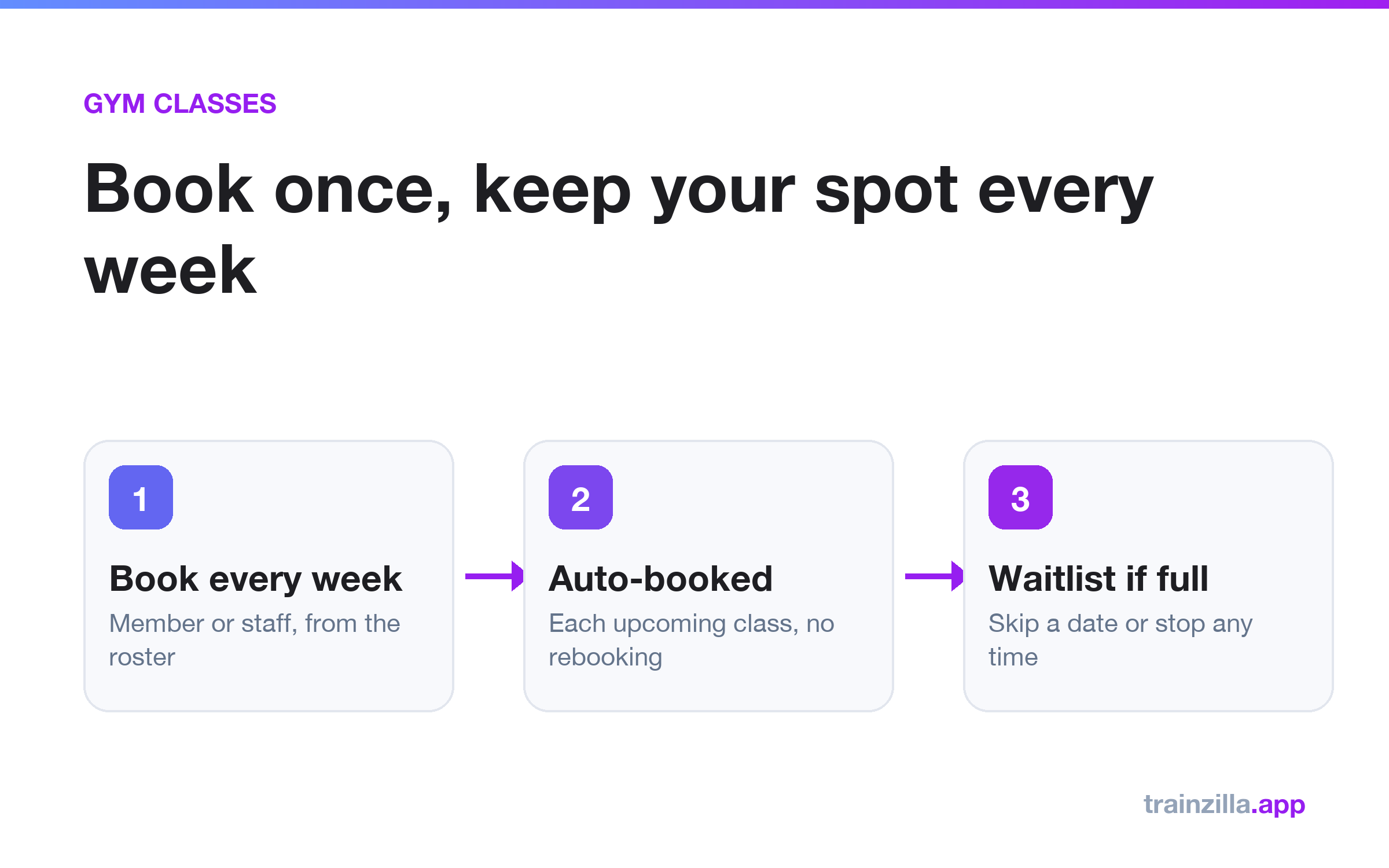
A standing class booking reserves a member's place on a recurring class for every upcoming date, so regulars do not have to rebook each week. In Trainzilla a member can choose Book every week in the client app, or staff can set it up from the class roster. Full classes use the waitlist, and a member can skip one date or stop at any time.
Why weekly rebooking costs you members
Regulars who attend the same class every week should not have to open an app and compete for a seat each time. Every extra step is a reason to skip a week, and front-desk staff end up booking the same people by hand.
How standing bookings work
- Create the class with its days, time, instructor, location and capacity.
- A member books every week from the client app, or staff add them from the roster, for all days or just some.
- Each upcoming class is booked automatically. If a class is full, the member joins the waitlist for that date.
Rules that keep it fair
- Members with a lapsed membership cannot start a standing booking.
- Dates inside a paused membership are skipped.
- Auto-renewing memberships keep their standing booking.
- Staff cannot overbook a full class. Extra members go on the waitlist.
- Class bookings do not use up session-pack sessions.
Frequently asked questions
Can staff manage this from the mobile apps?
Not yet. Roster changes and standing bookings are managed from the web dashboard; members book from the client app.
What happens when a membership ends?
Standing bookings run up to the membership end date, unless the membership auto-renews.
See the weekly class bookings page, the gym software overview and our guide to reducing membership lapses.
Get the weekly coaching playbook
Keyword research, product tips and growth tactics for coaches — one email a week. No spam.
Trainzilla Team
Written by the team that builds Trainzilla. We write about the problems coaches and gym owners bring to us, and how we solved them in the product — including what it doesn't do yet.
Start free — no card required
Set up your coaching business on TrainZilla in minutes. Free for 30 days, then upgrade to Coach Pro when you grow.