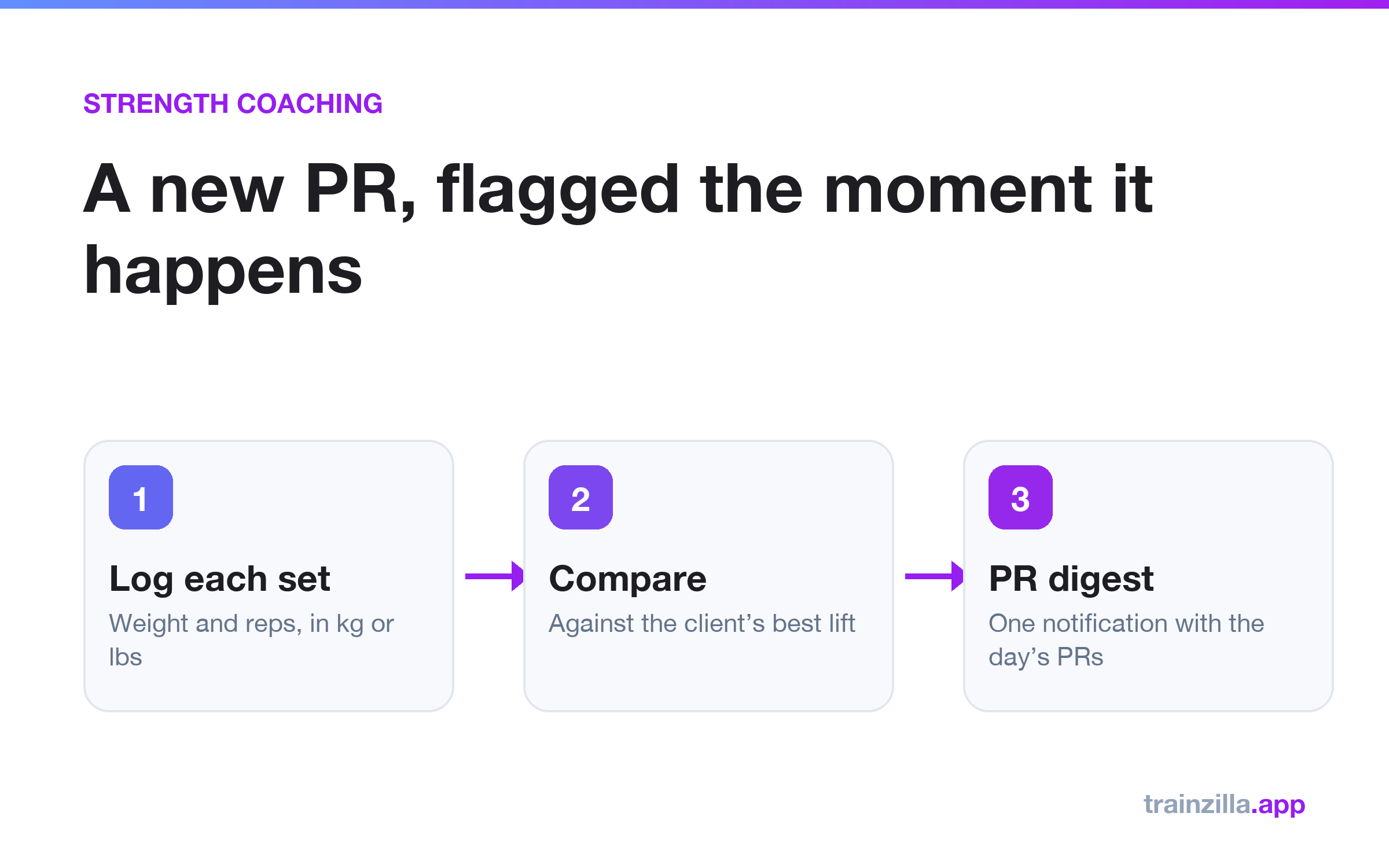
To track client personal records without reading every log, have clients enter weight and reps for each set, compare each lift with their best for that exercise, and have the software flag new records for you. In Trainzilla, a new PR is a heavier weight or a higher estimated one-rep max, and you get one notification with the day's PRs.
Why per-set logging matters
A total such as "4 sets" hides what happened. Weight and reps on each set show whether a client is progressing, stalling or going too light, and they are the only way to compare a lift over time.
How a PR is decided
- The estimated one-rep max uses the Epley formula, for sets of 1 to 12 reps.
- Each lift is compared with the client's best for that exercise across all earlier logs.
- The first time a lift is logged is the baseline and is never a PR.
- PRs are based on weight and estimated one-rep max, so bodyweight exercises are not covered yet.
The decision is made on the server, so the web dashboard and the client app always agree.
The daily PR digest
After a client stops logging for 45 minutes, you get one notification listing that day's PRs. You can congratulate the client while the session is still fresh, without opening every log.
Logging for a client
Coaches can log a session on a client's behalf, for example after an in-person session. Those logs are tagged "Logged by coach" so everyone can tell them apart.
Frequently asked questions
Does it work in kg and lbs?
Yes. Each client logs and sees weights in the unit they choose.
More on the PR tracking page and the client app.
Get the weekly coaching playbook
Keyword research, product tips and growth tactics for coaches — one email a week. No spam.
Trainzilla Team
Written by the team that builds Trainzilla. We write about the problems coaches and gym owners bring to us, and how we solved them in the product — including what it doesn't do yet.
Start free — no card required
Set up your coaching business on TrainZilla in minutes. Free for 30 days, then upgrade to Coach Pro when you grow.